
Press kit
Updated October 5, 2026 · support@tryonenotch.com
Facts
- Platform
- Mac with Apple silicon, macOS 15 or later
- Price
- Free to use. Pro $9.99 once for 2 Macs, Supporter $24.99 once for 5 Macs
- Latest version
- 2.0.5, October 12, 2026
- Download
- About 50 MB, notarized by Apple
- Storage
- On device, optional iCloud sync
- Made by
- Huy Tran, indie developer
- Displays
- MacBook with a notch, or a pill on screens without one
- Languages
- 19, including Vietnamese
Highlights
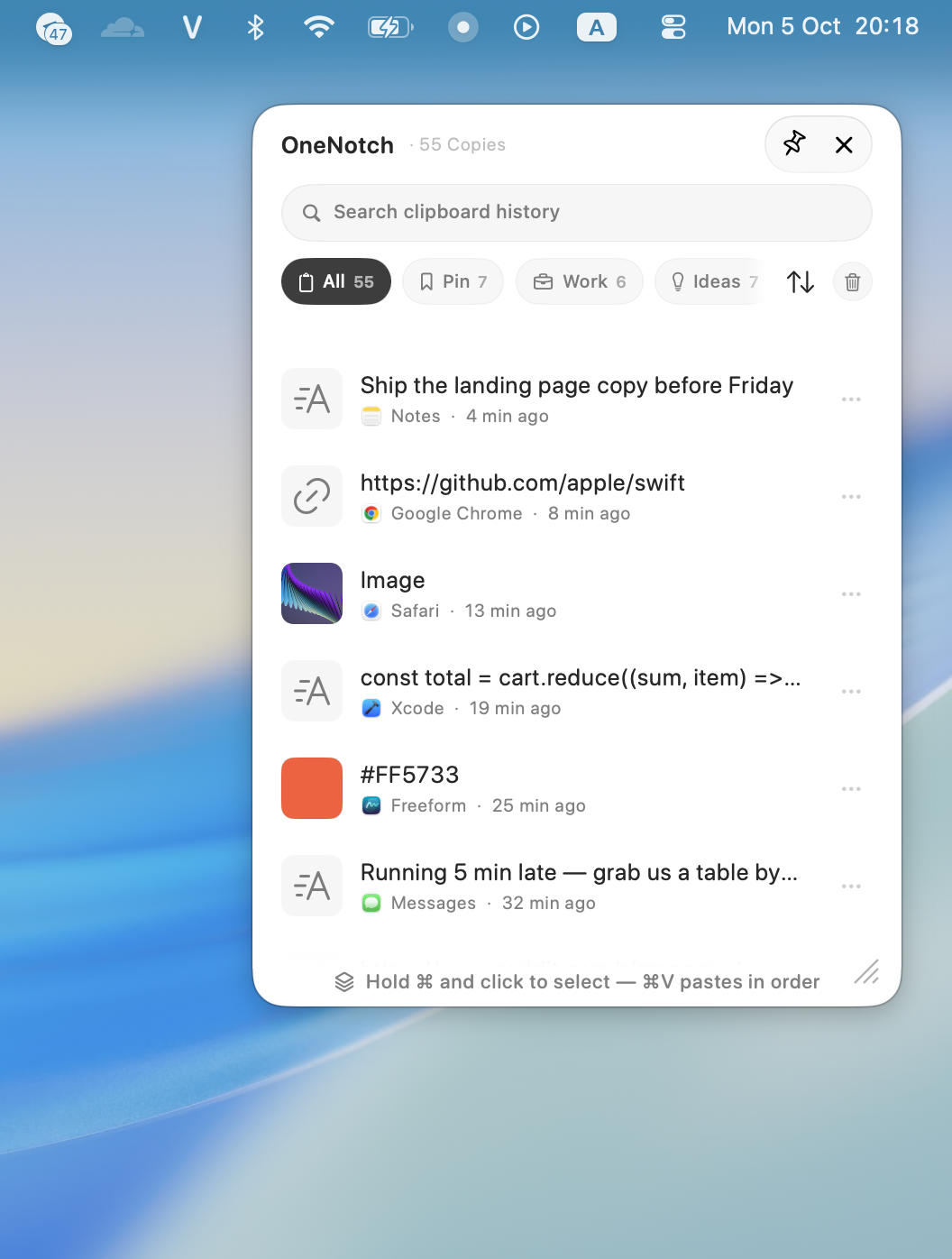
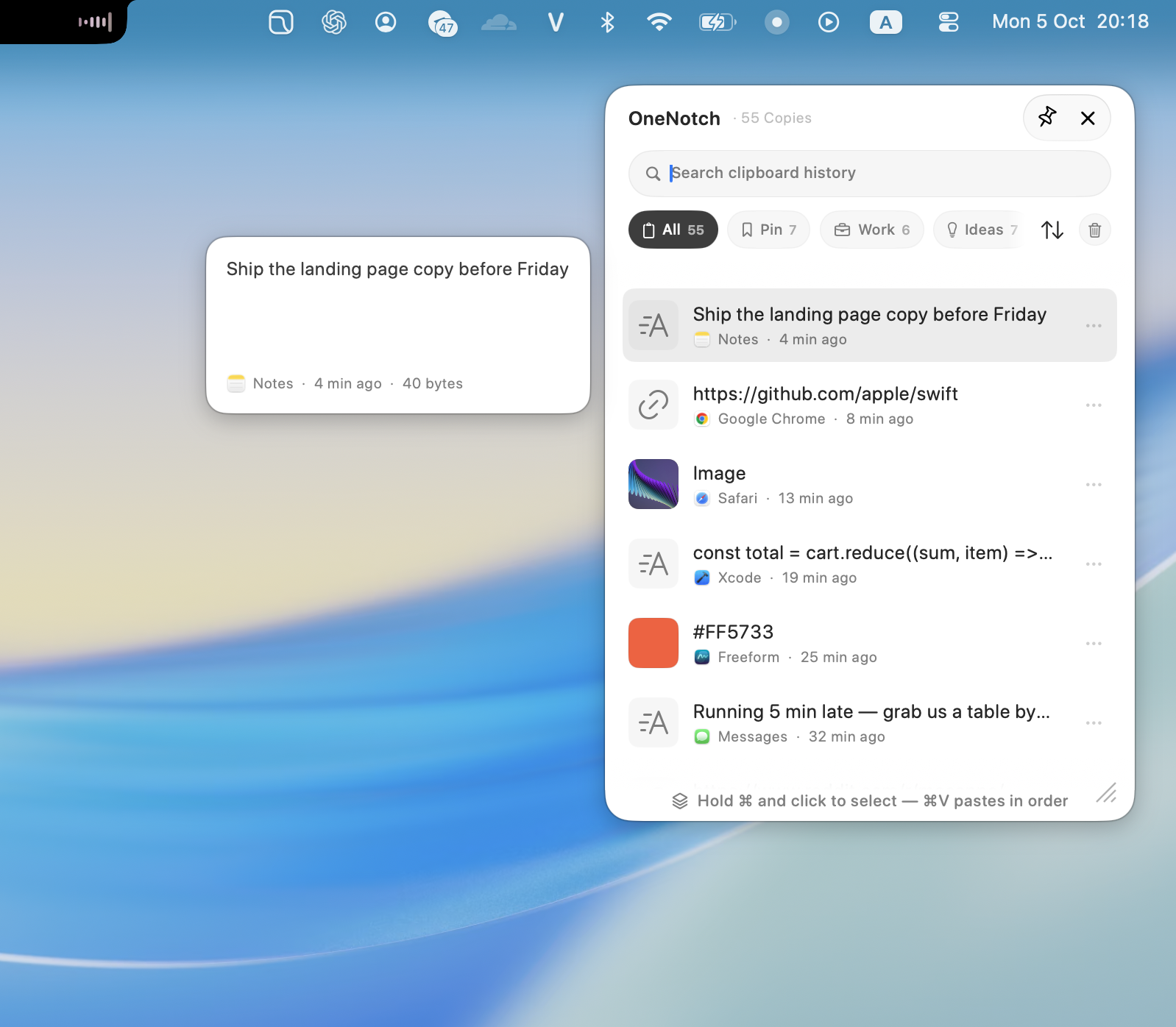
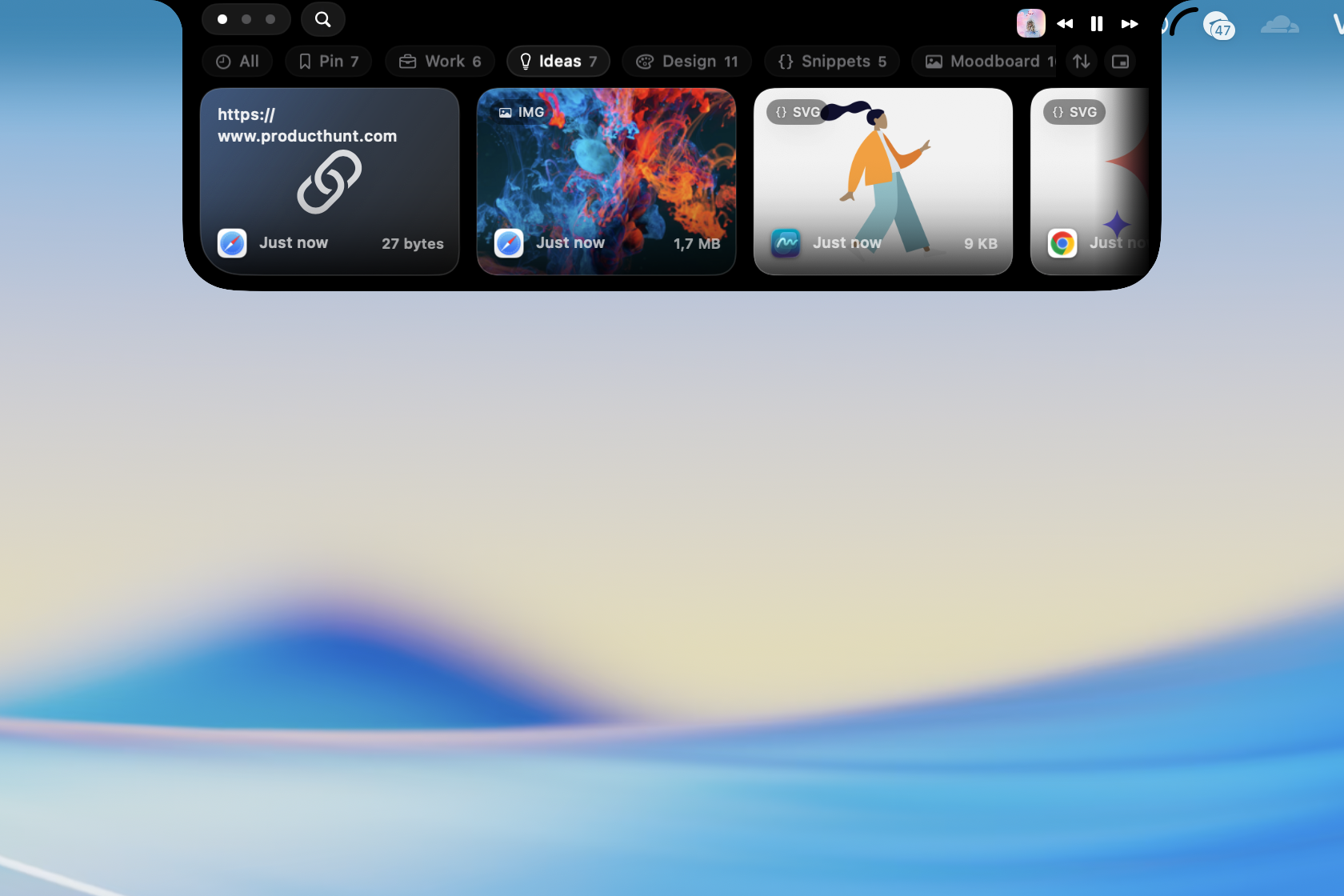
- Clipboard: saves everything you copy (text, links, images, files) and shows it on the notch. Search with @image and @link filters, pin to boards, lock boards with a passcode, sync through iCloud, paste several clips in order with Copy Stack, and use MCP for AI agents. A shortcut opens a quick panel, like Win+V on Windows.
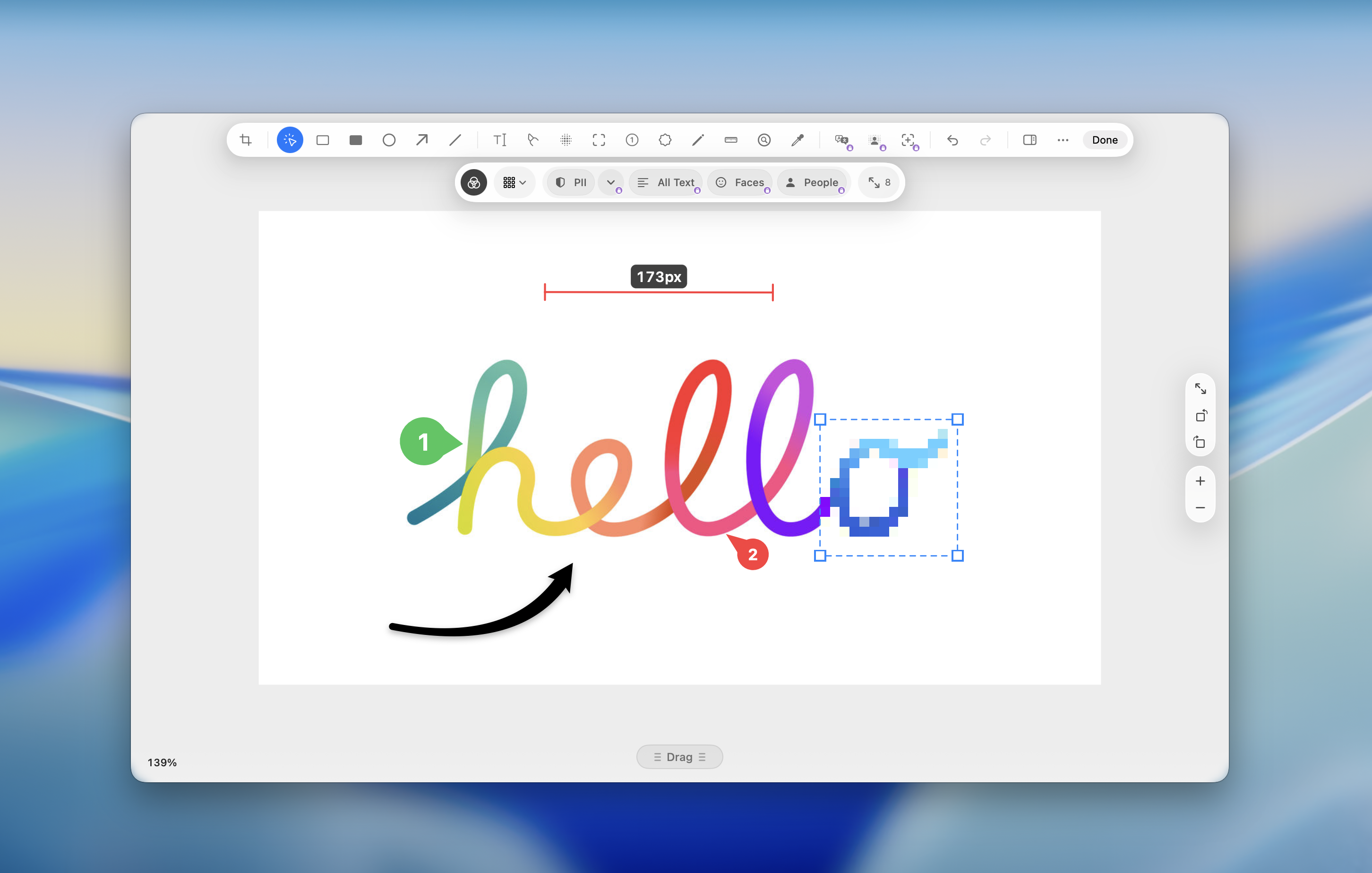
- Screenshots: capture an area, a window, the full screen or a scrolling page. OCR, QR scanning and auto-redaction of personal info are built in. In the editor, drag an annotation past the edge and the image grows to fit, or erase an unwanted object with one selection.
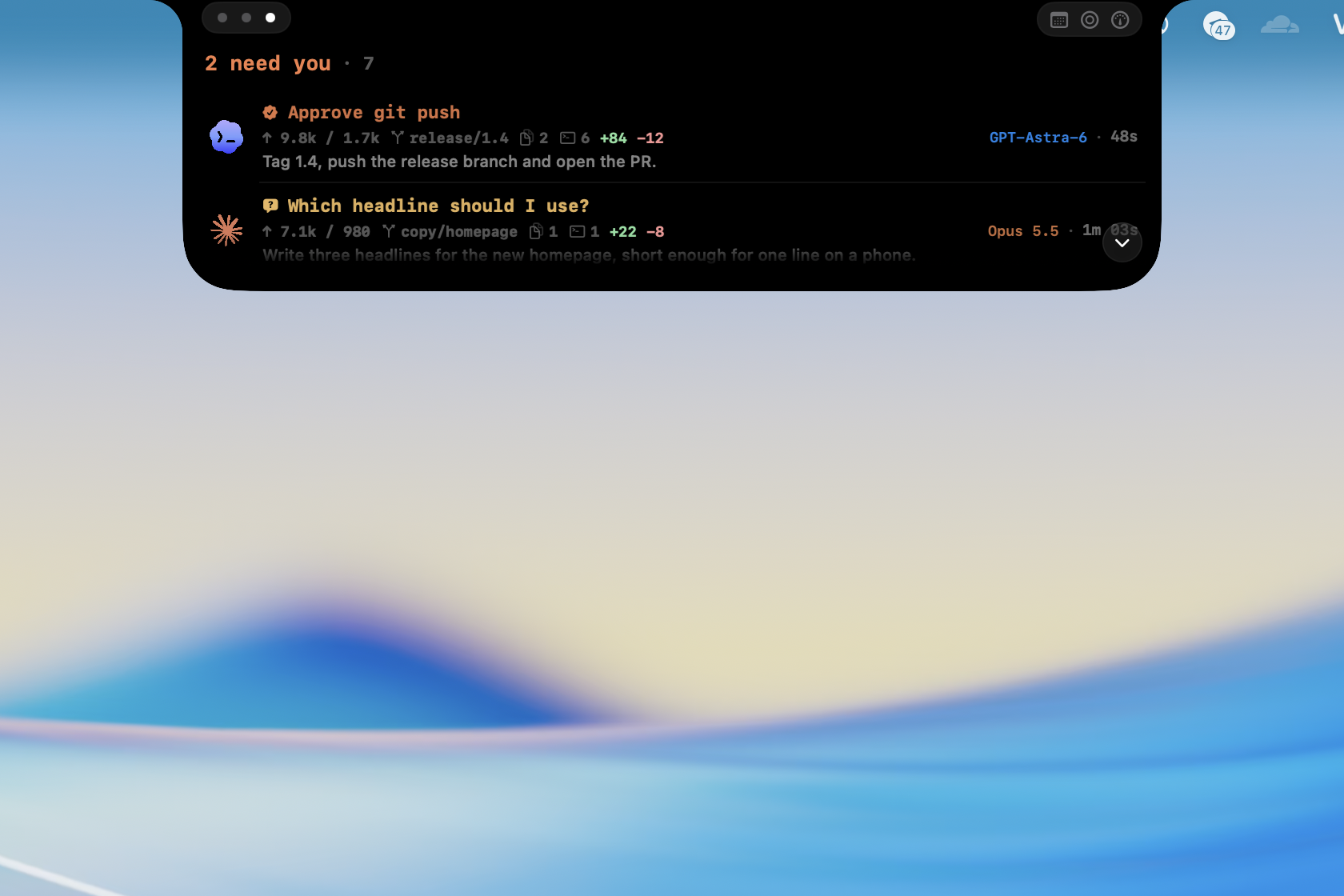
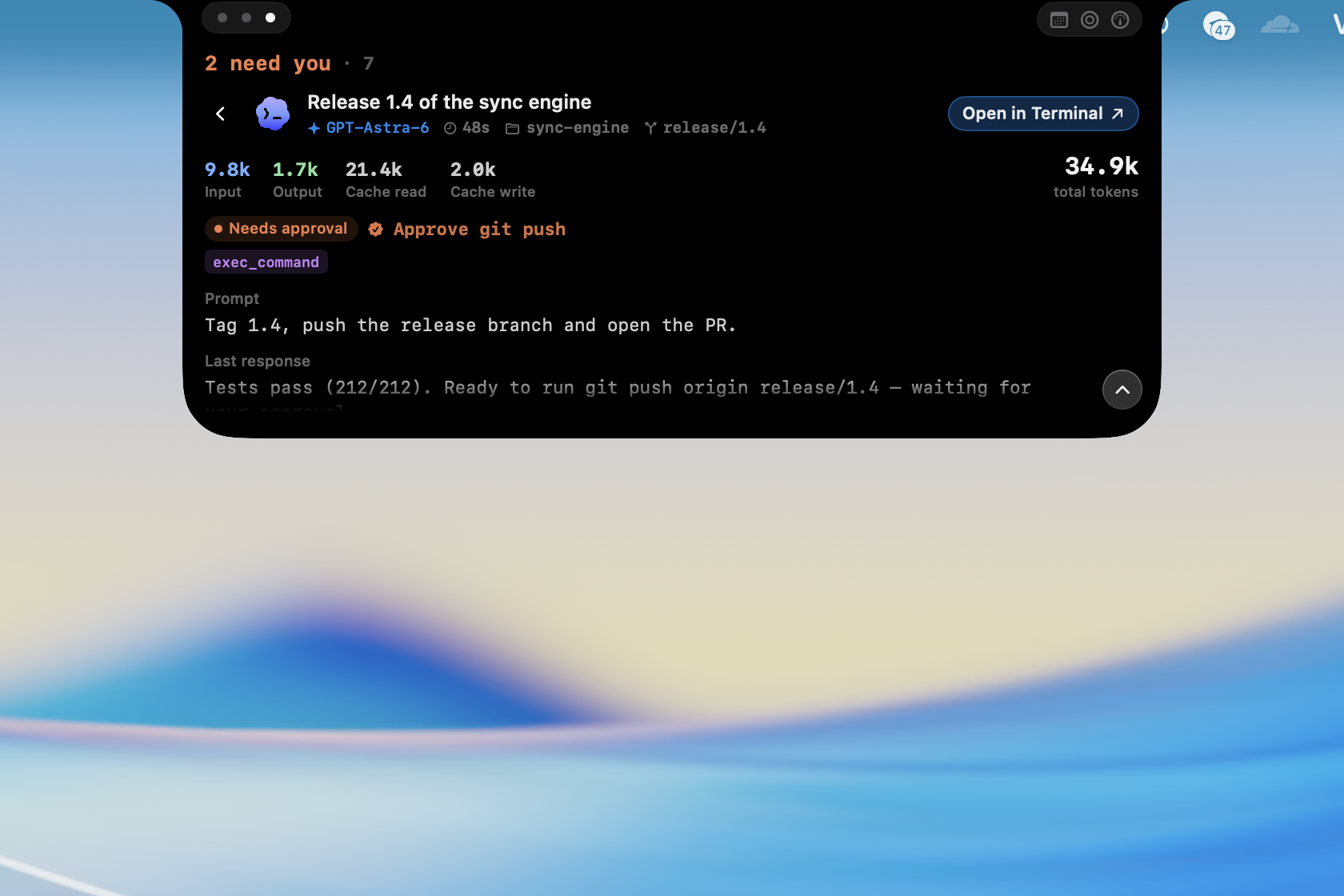
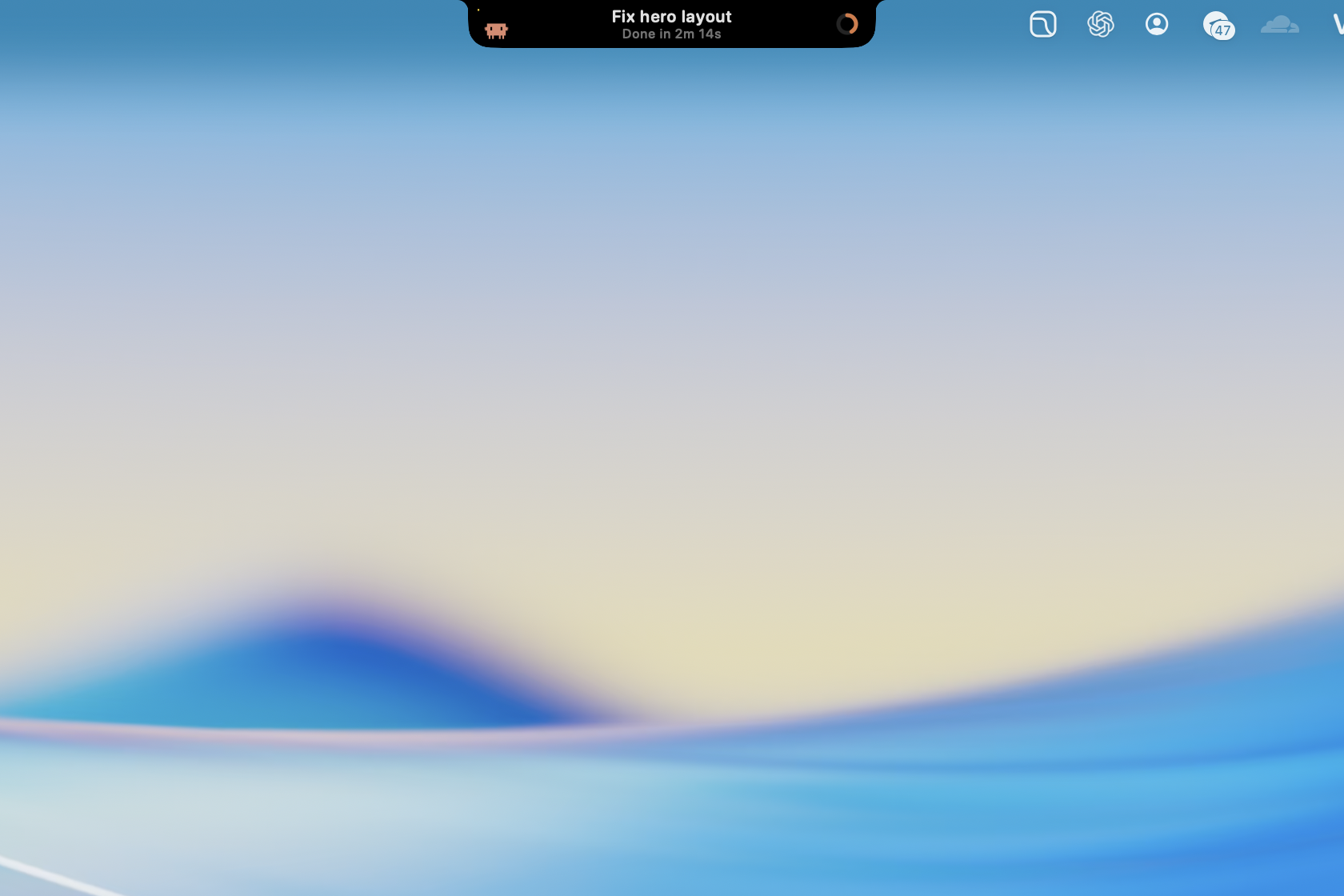
- AI: follow Claude Code and Codex: what each session is doing, approve requests on the notch, check the 5-hour and weekly quota, and get a ping when a task is done.
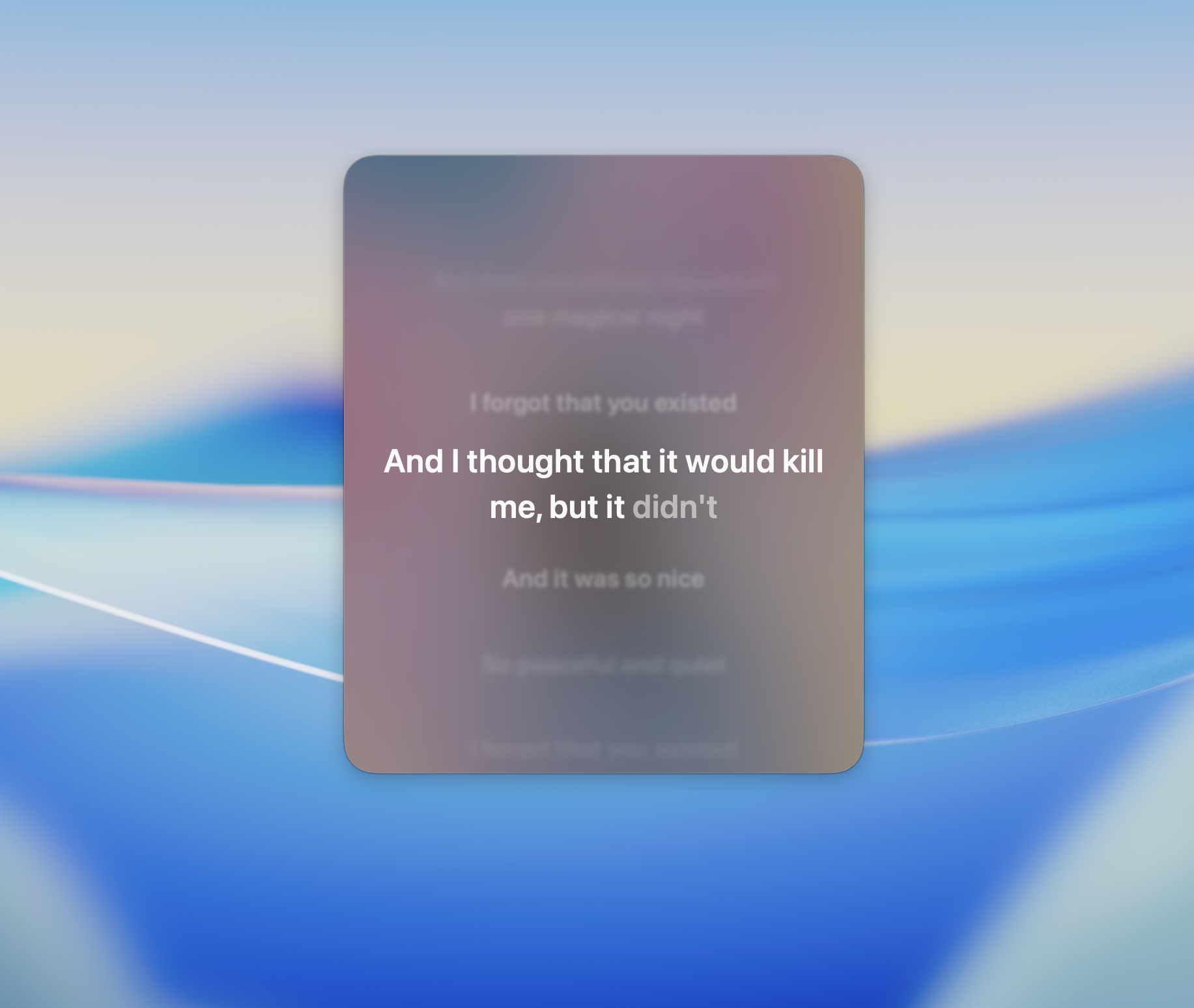
- Music: controls for Apple Music, Spotify and YouTube Music, lyrics that run word by word, and a player on the lock screen.
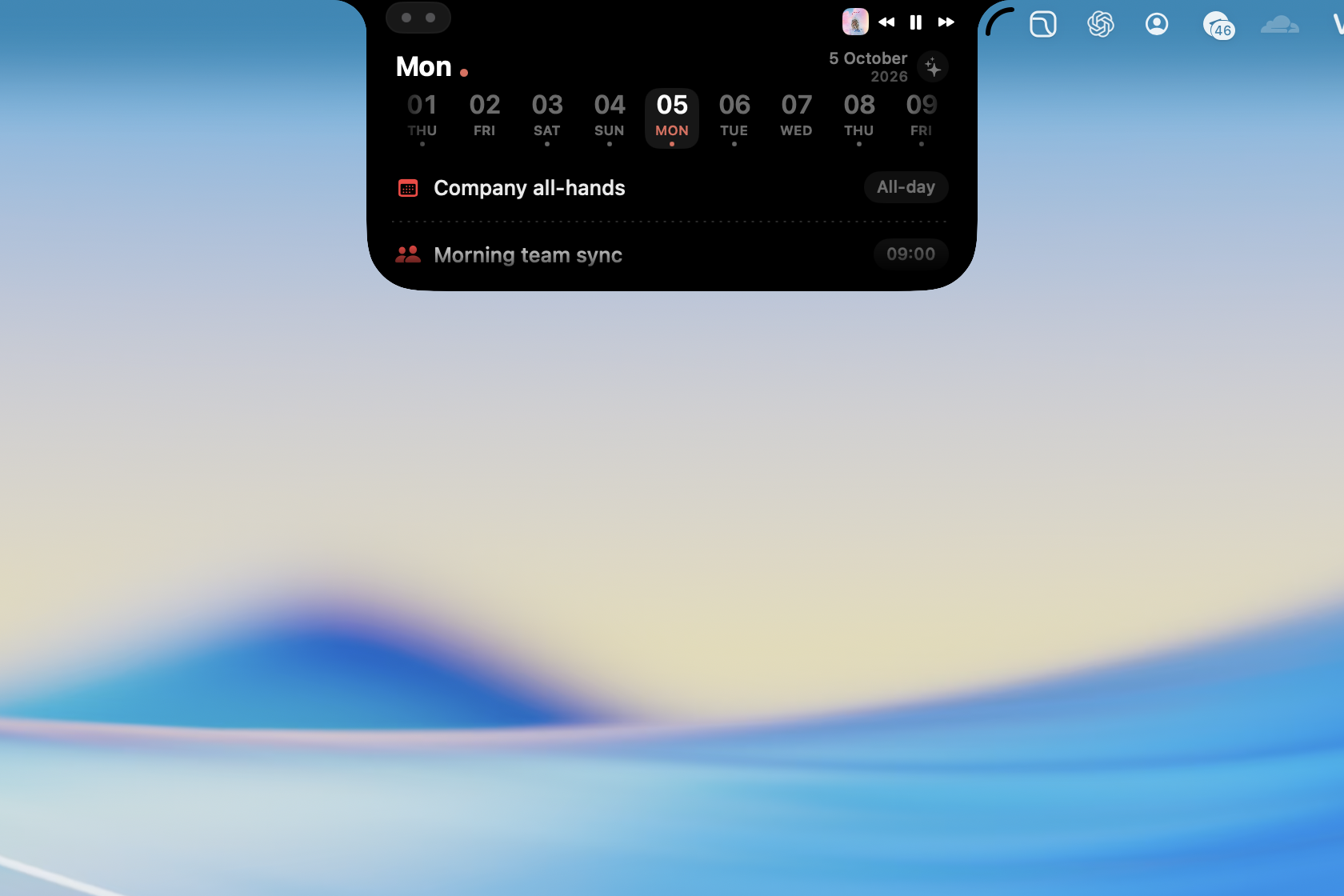
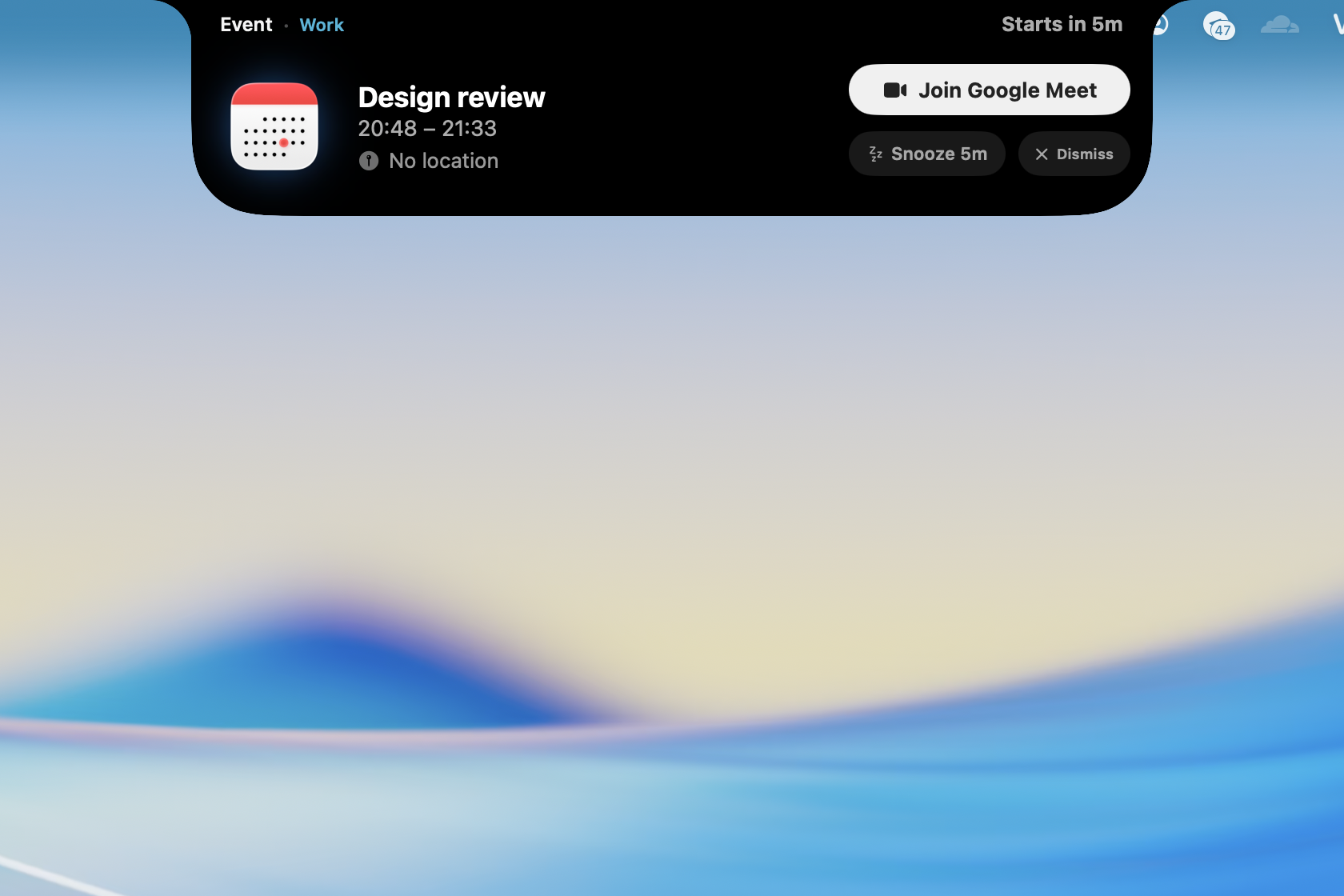
- Calendar: see events, add reminders and read a summary of your day on the notch, with a Join button in alerts for Zoom, Meet and Teams meetings.
- Smart Select: highlight text anywhere to translate it (Apple on-device, Google, or your own AI key), or convert currency, units and time zones.
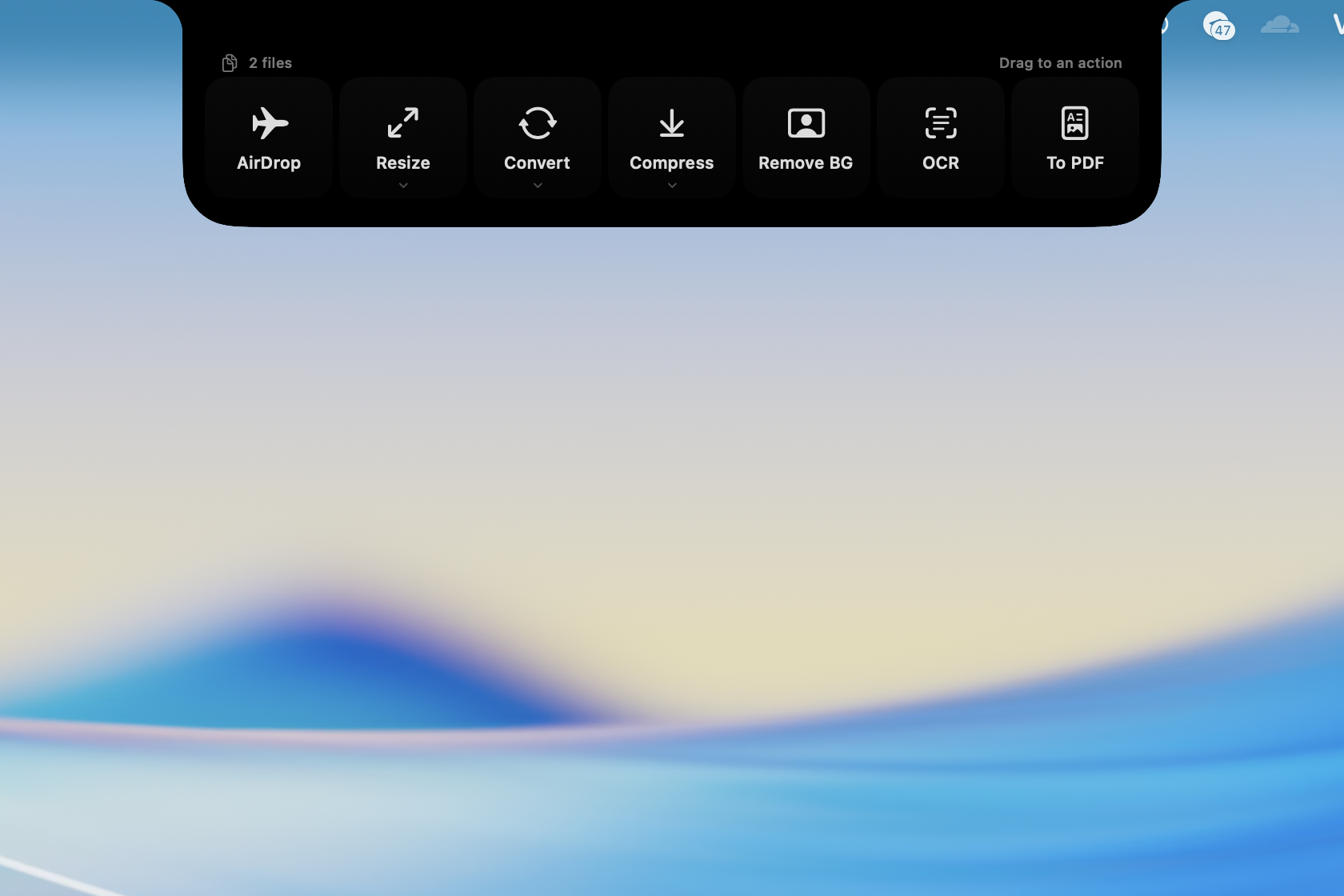
- Files: drag files onto the notch to resize, compress, convert, remove the background, run OCR or merge PDFs.
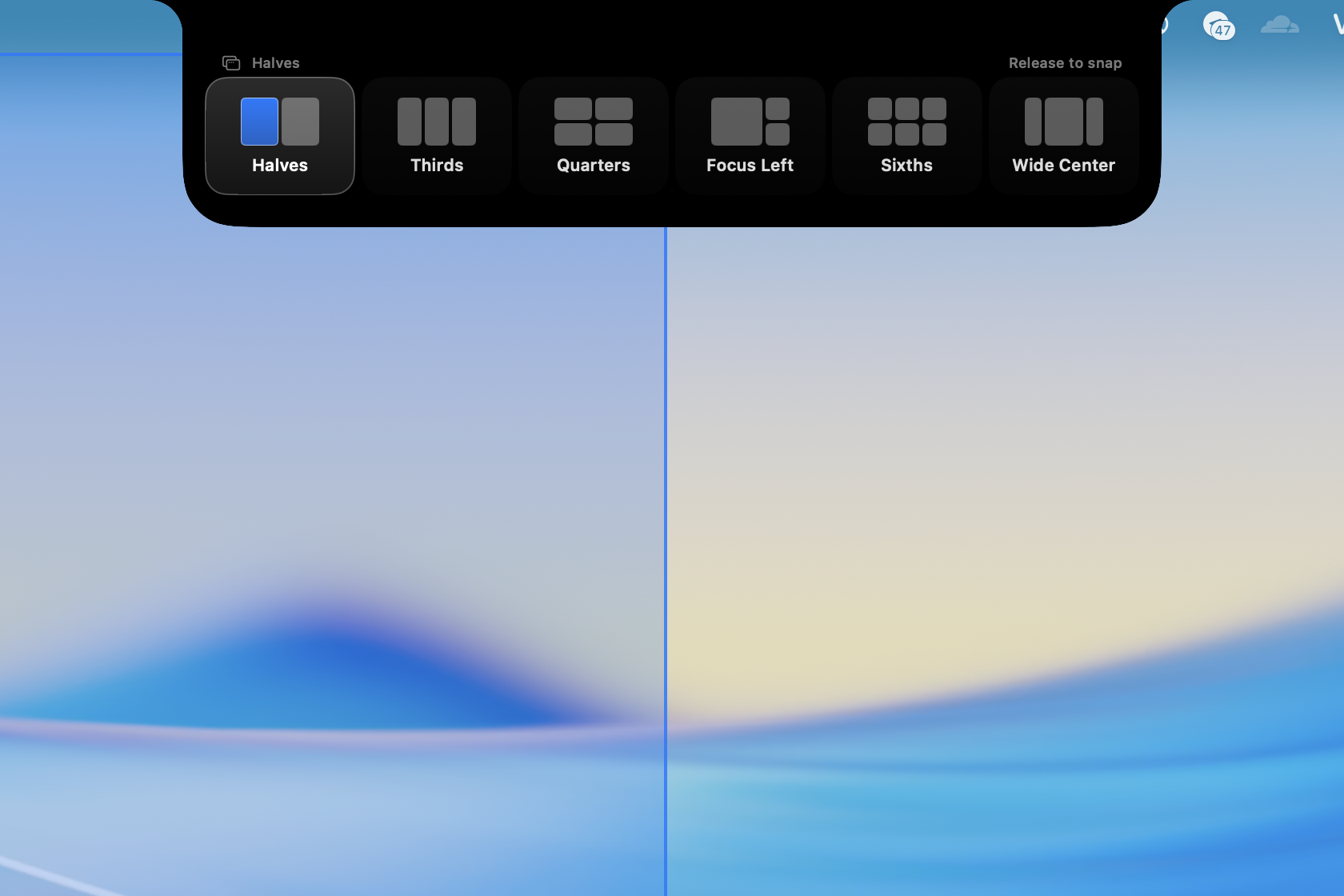
- Window snapping: drag a window up to the notch to split the screen in halves, thirds, quarters or sixths.
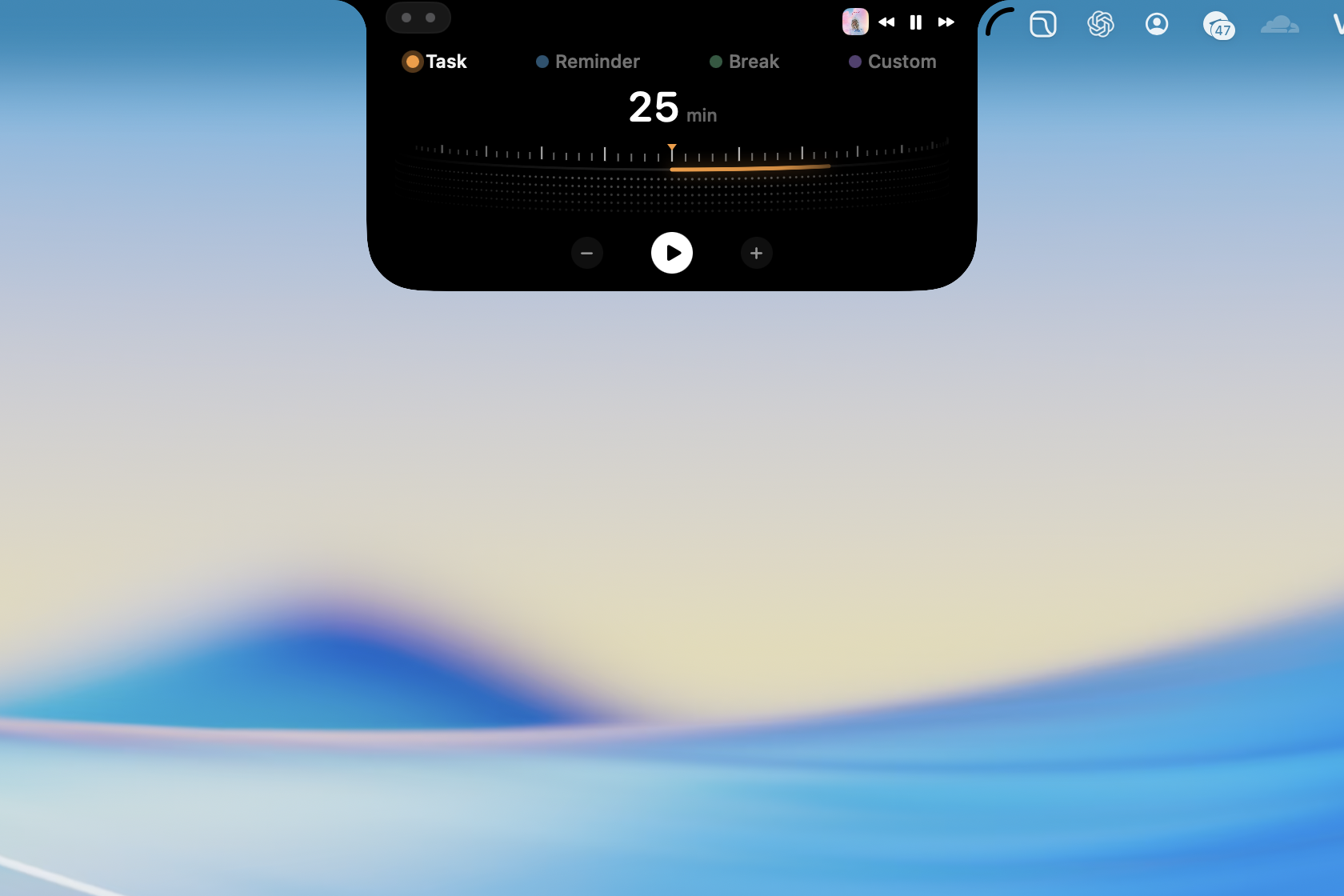
- And more: a focus timer, hiding menu bar icons, a pill on Macs without a notch, 19 languages and more.
What makes it different
- Nearly 50 features, big and small, in one app, and most of them are free. The free version does not expire and needs no account, in a category where most paid apps cost $10 to $25 once.
- The clipboard and screenshots are the two biggest parts of the app: history, boards and passcode locks on one side, annotation, OCR and background removal on the other.
- Made for people who code with AI: see what Claude Code and Codex are doing, approve requests, check quota, and let AI find your clipboard through MCP.
- Clipboard data stays on your Mac. To sync between Macs, it goes through your own iCloud.
Descriptions
- One line 1 sentence
- Short 41 words
- Boilerplate 97 words
Demo video
Contact
- Presshuytran276.work@gmail.com
- Supportsupport@tryonenotch.com
Links
- Websitewww.tryonenotch.com
- Downloadwww.tryonenotch.com/download
- Pricingwww.tryonenotch.com/pricing
- Release noteswww.tryonenotch.com/updates
Artwork
 macOS icon
 Cover
Cover Cover, Vietnamese
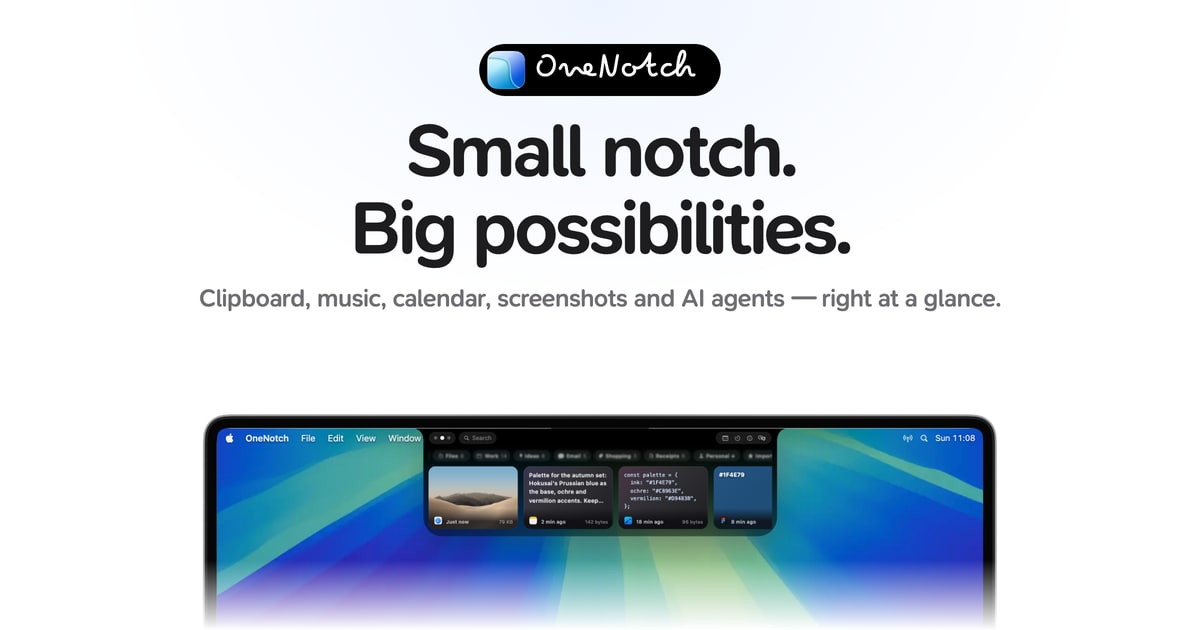
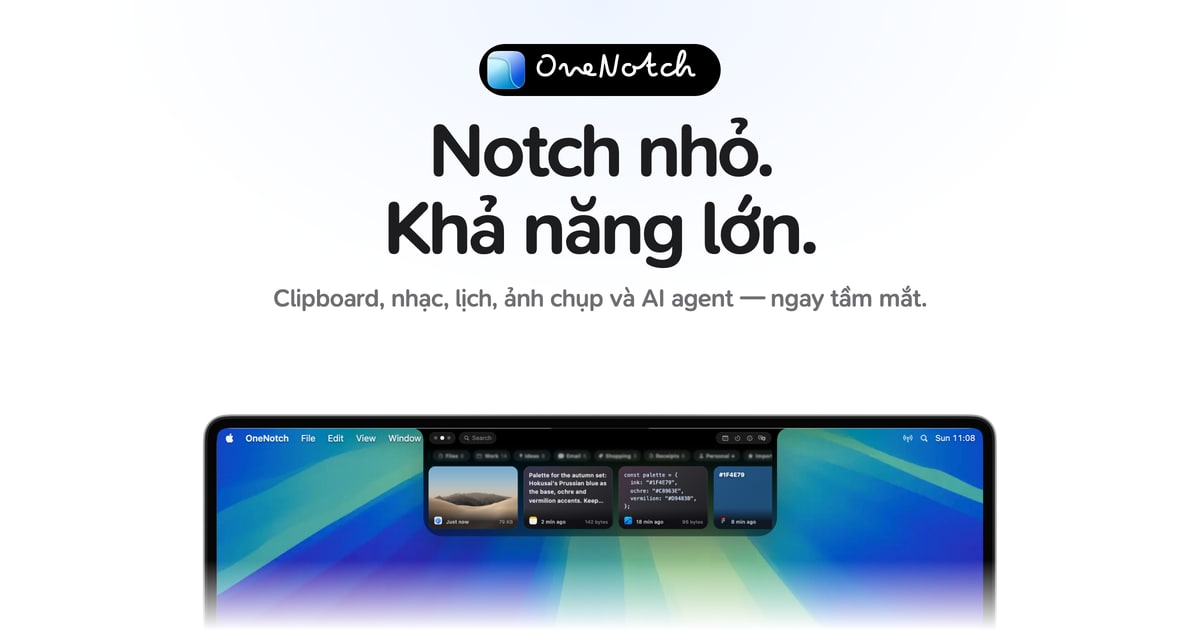
Screenshots
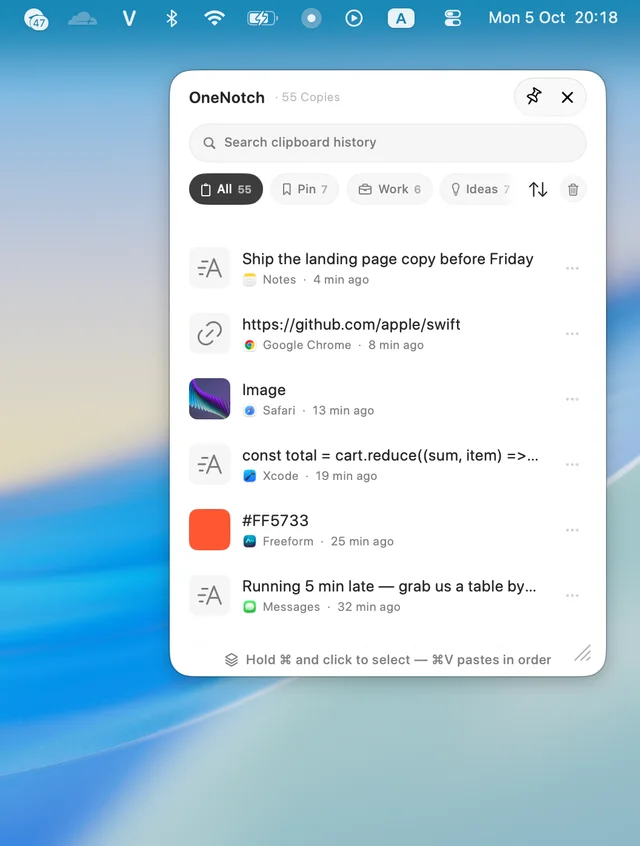 Clipboard panel
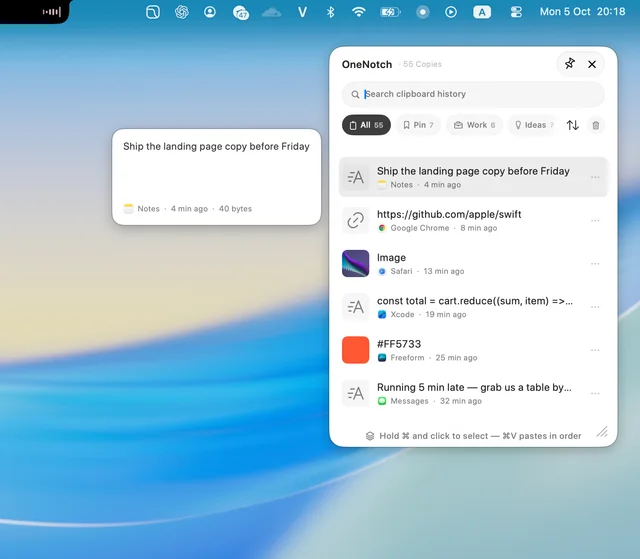 Clipboard preview
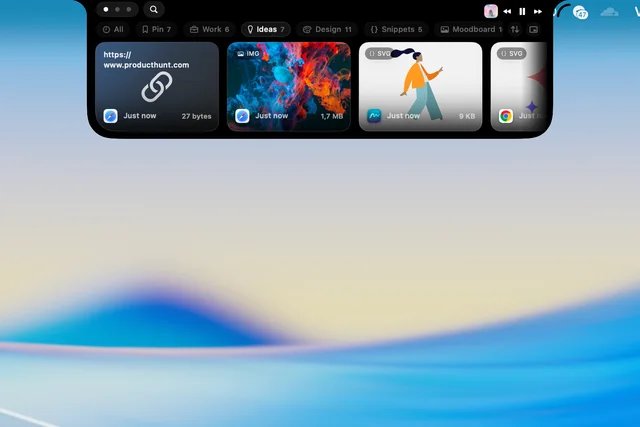 Board: Ideas
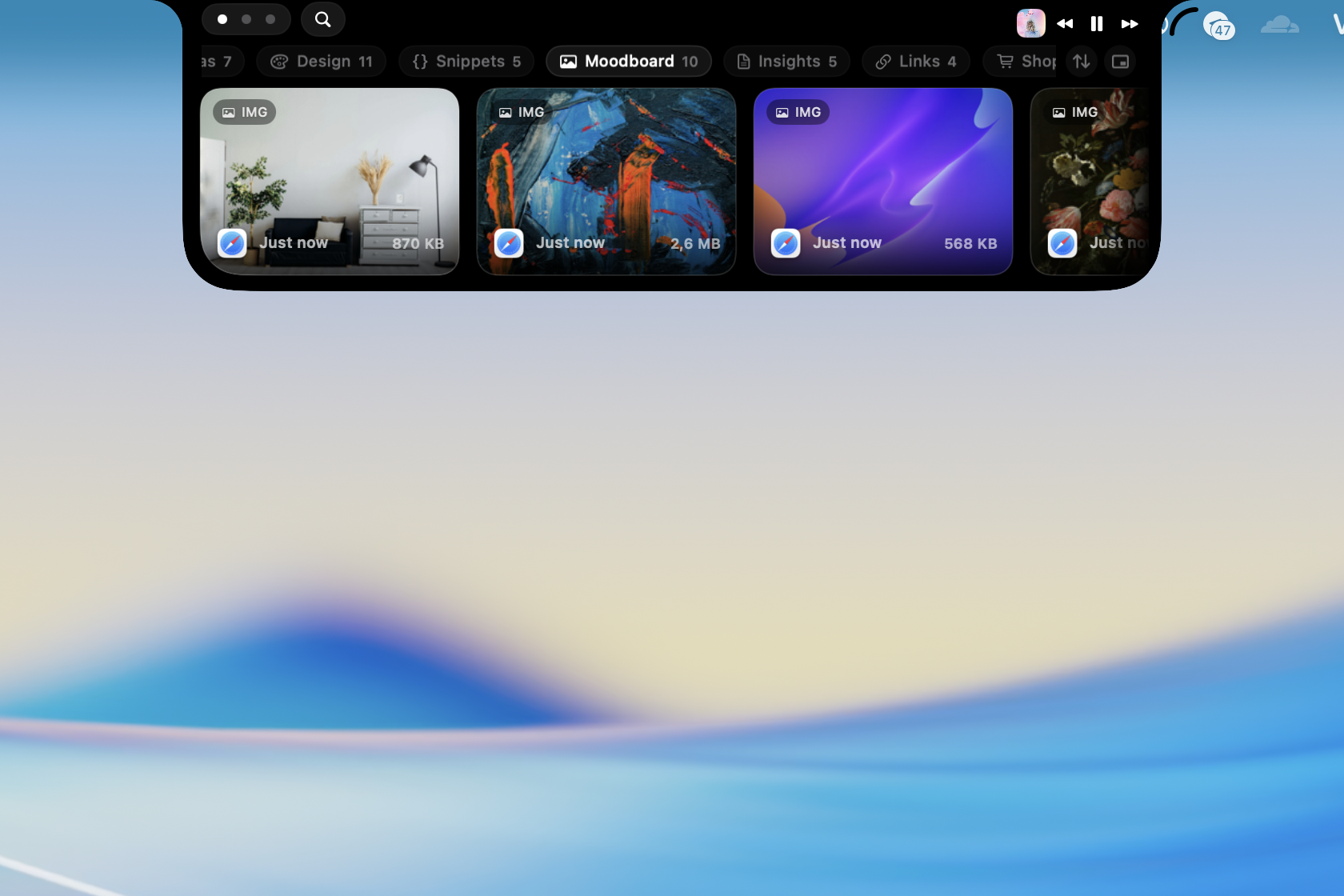
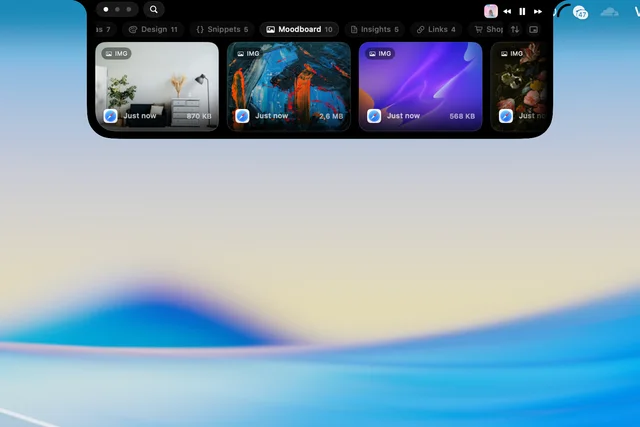 Board: Moodboard
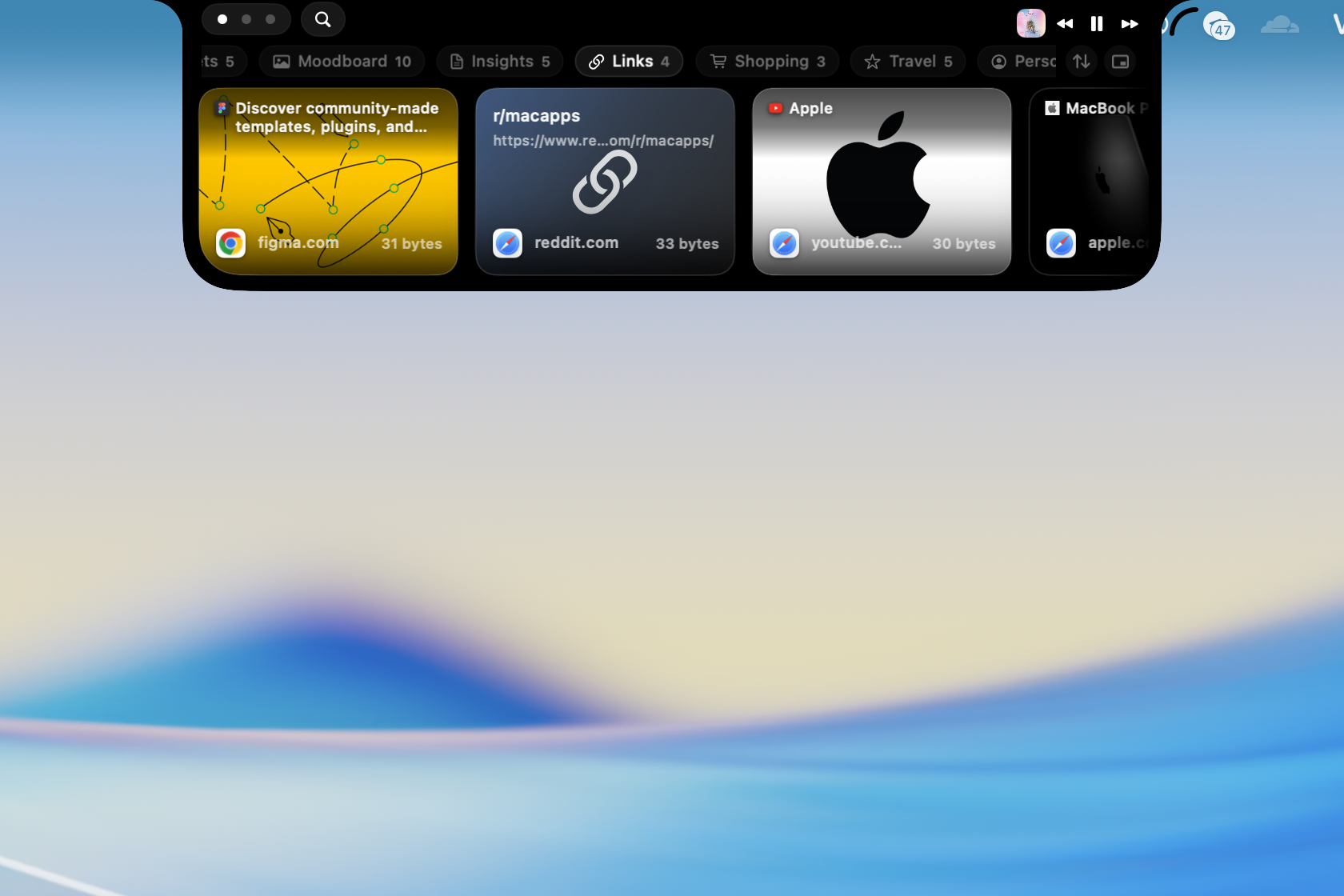
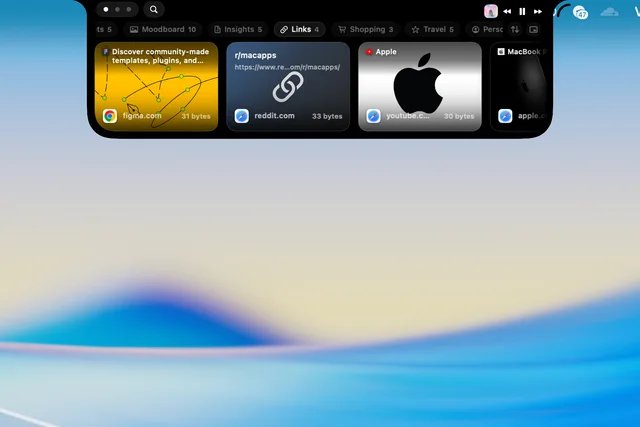 Board: Links
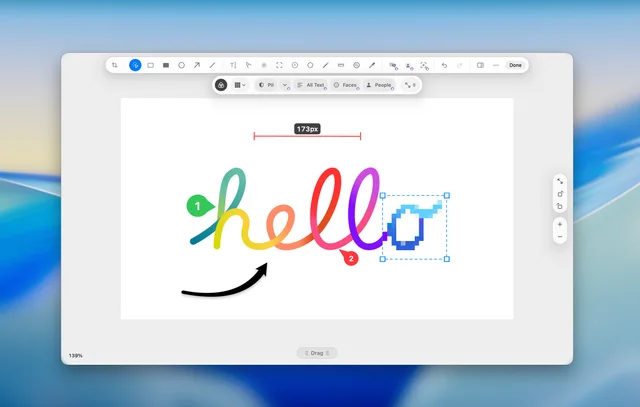 Screenshot editor
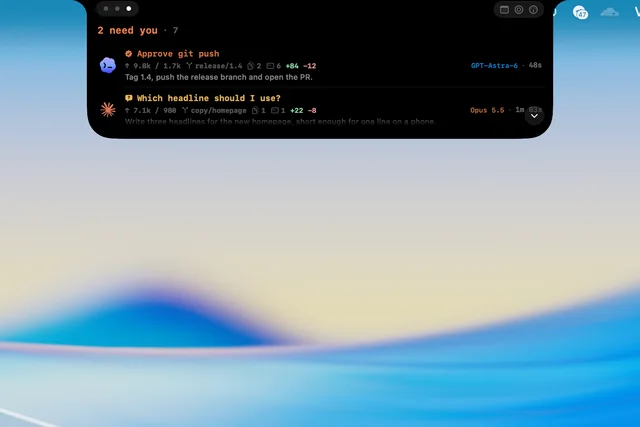 AI sessions
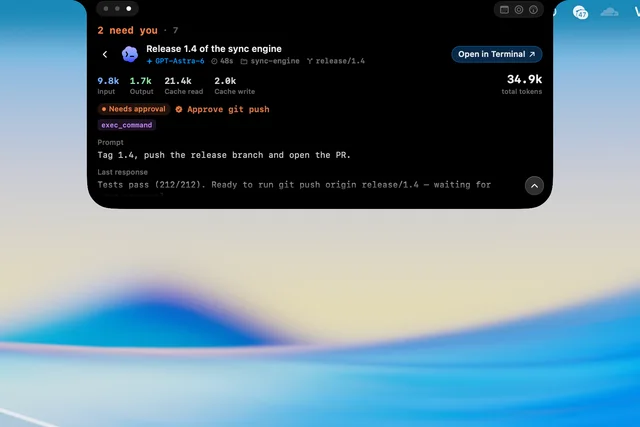 AI session detail
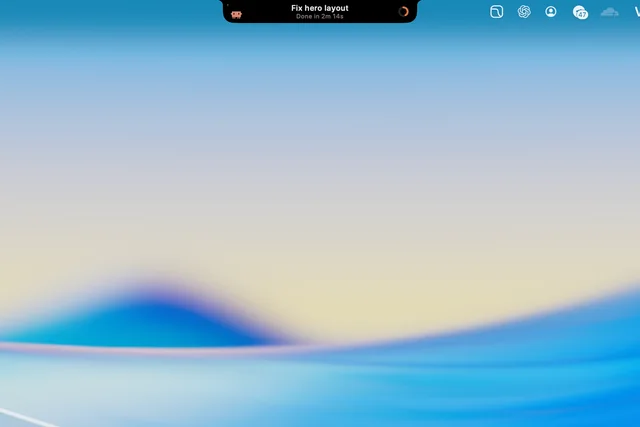 AI task finished
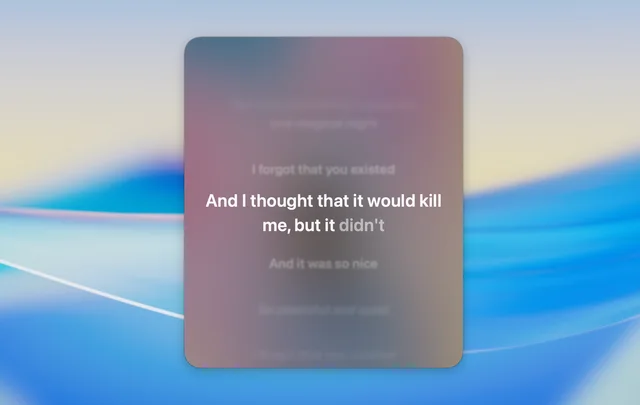 Synced lyrics
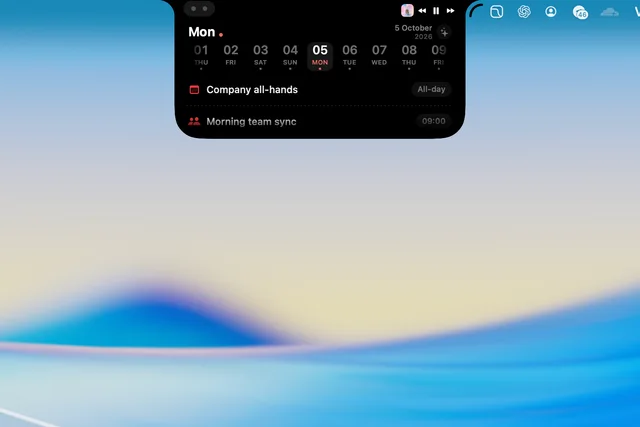 Calendar
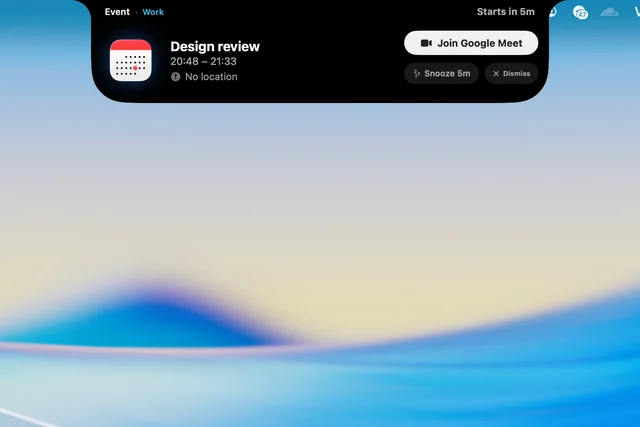 Meeting alert
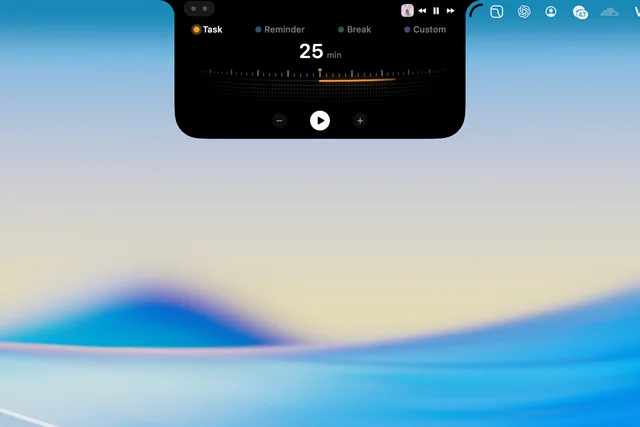 Focus timer
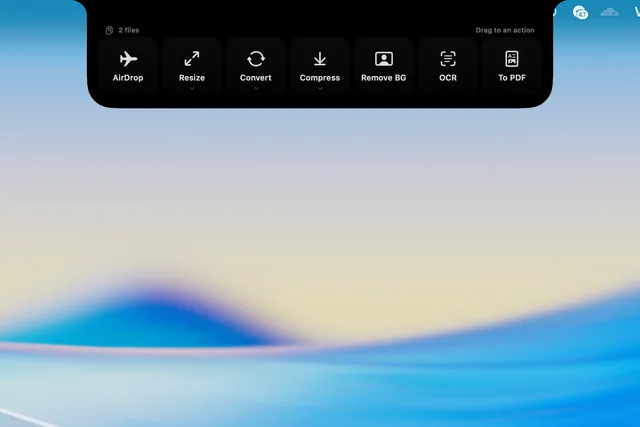 File actions
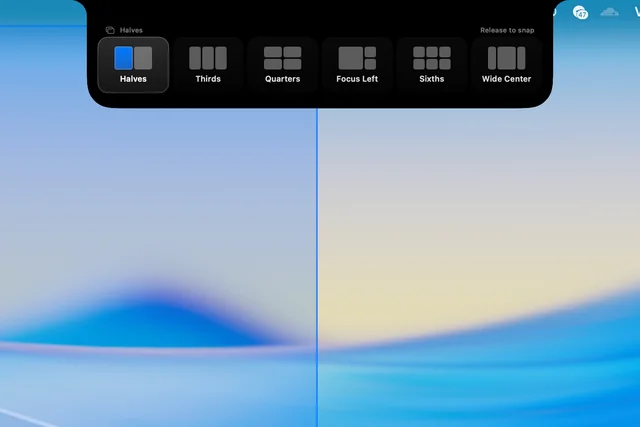 Window snap
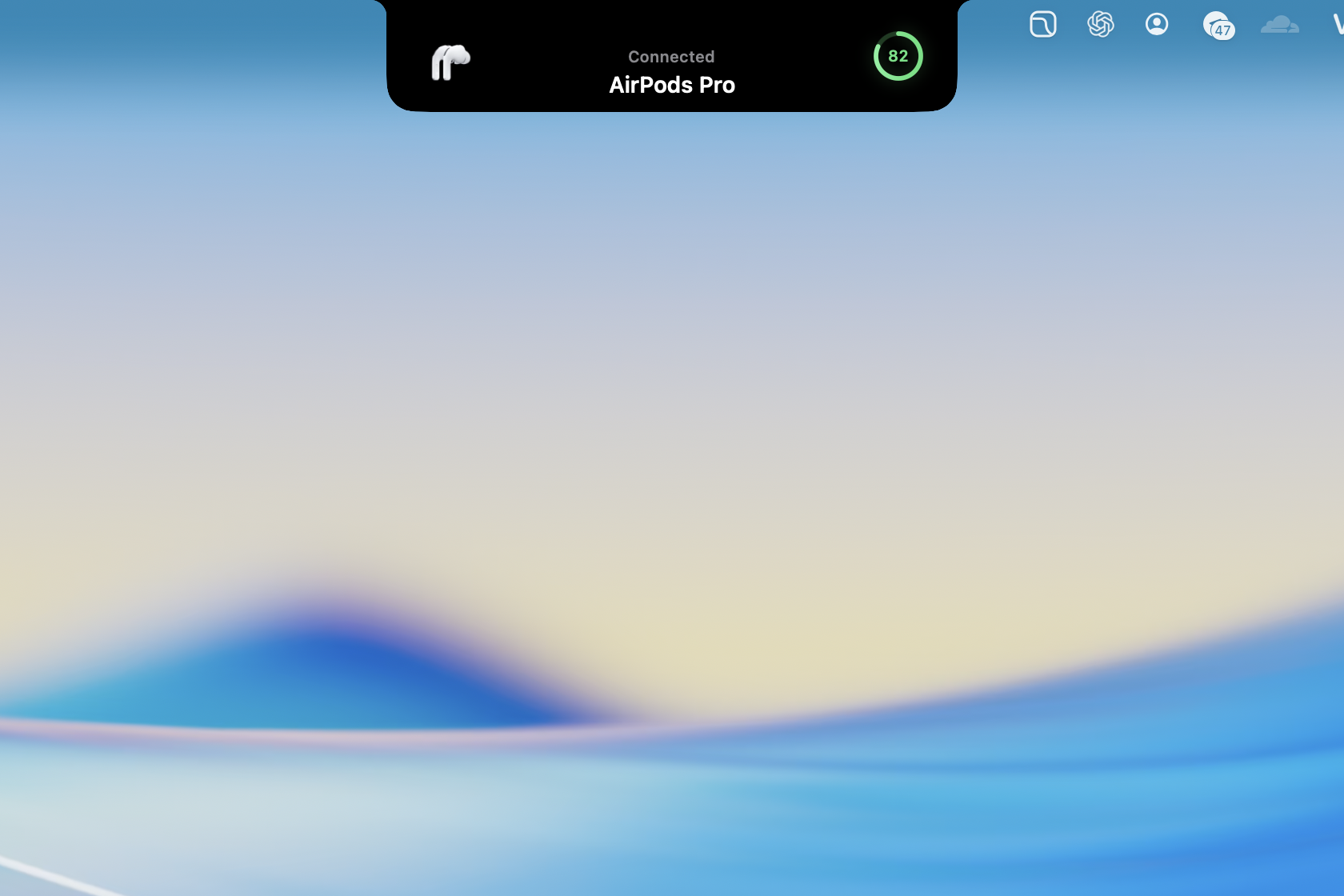
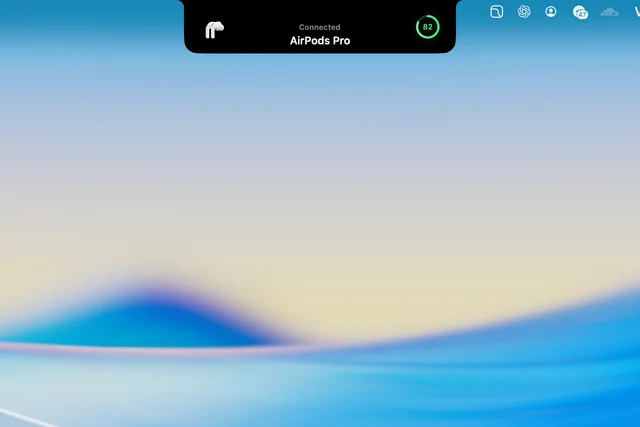 AirPods connected
Not in OneNotch
Windows, Intel Macs or macOS 14 and earlier · An iPhone or iPad app · Accounts and subscriptions
Free to use in coverage. Please write the name as OneNotch, one word, and don't recolor or stretch the icon.