
When music is playing, the closed notch shows the album art on the left and a visualizer on the right. Each time the song changes, a "Song - Artist" line scrolls by under the notch.
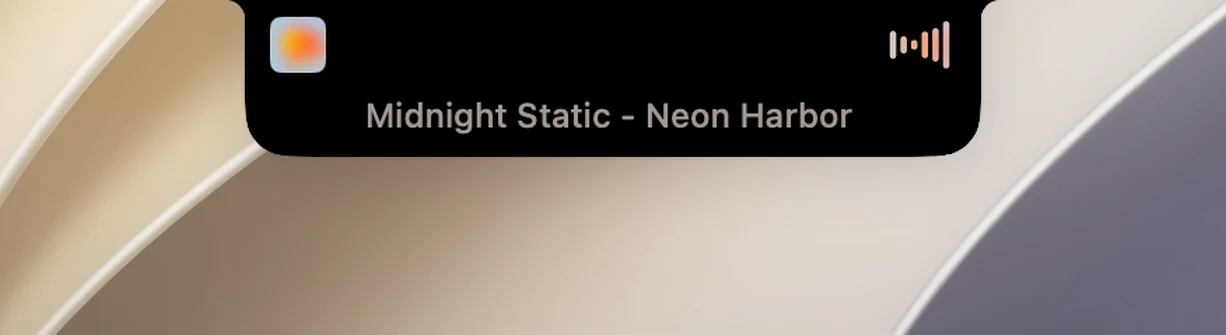
Without opening the notch
- Play/Pause: hover over the visualizer and it turns into a play/pause button; click it.
- Skip tracks: swipe left or right with two fingers on the visualizer to go to the next or previous song.
- See the song title: hover over the album art.
- Open the full player: click the album art, or keep the pointer on the album art until the notch opens (Open on hover must be on).
Customize
- Colored spectrogram (Settings › Media): colors the visualizer to match the album art. When it's off, the visualizer is gray.
- Player tint: colors the song title line to match the album art.
- Now playing (Settings › Live Activities › Activity Types): turn it off to hide music from the closed notch and the mini player.
Tip
If Edges open their own page is on in Settings › General › Interaction zones, hovering over the album art opens the music page directly, even if the notch usually opens a different page.