
These options are in Settings › Media.
Animated album art
Animated album art (on by default, in the Player controls section) plays Apple Music's album art video instead of the still image while the notch is open. Only some albums have animated art, mostly major releases. For songs without it, the still album art slowly zooms while playing. Animated album art never plays while the notch is closed.
Player Appearance
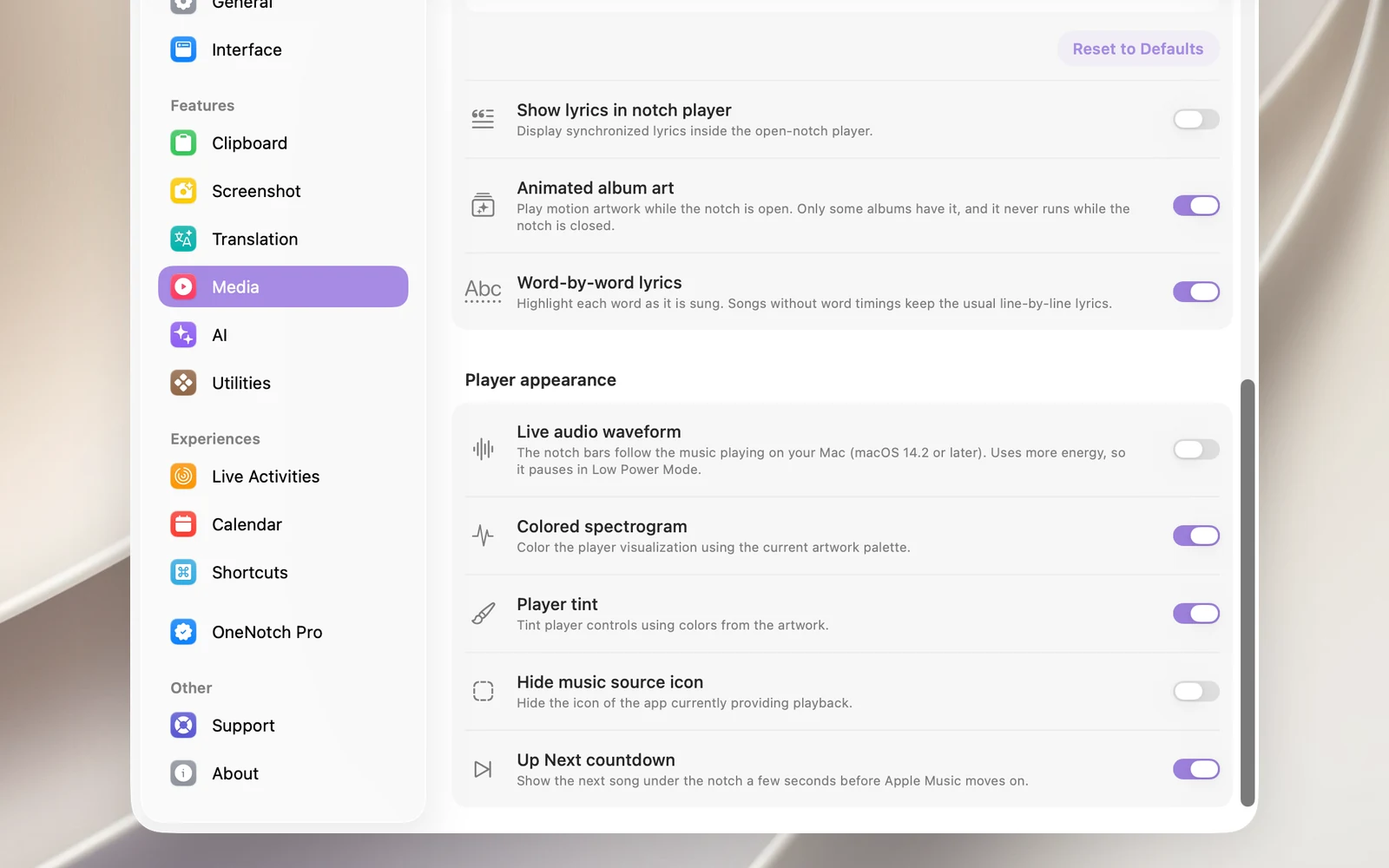
- Live audio waveform (off by default): the bars in the notch move with the actual audio playing on your Mac. Requires macOS 14.2 or later and permission to record system audio, which macOS asks for the first time. This option uses more battery, so it pauses on its own when Low Power Mode is on. If macOS denies the permission, OneNotch turns the option off and shows you how to turn it back on in Privacy & Security › Audio Recording.
- Colored spectrogram (on by default): colors the visualizer on the closed notch with the album art's color palette.
- Player tint (off by default): tints the song title, buttons, progress bar and lyrics to match the album art.
- Hide music source icon (off by default): removes the app icon from the corner of the album art. You can still switch players by clicking the visualizer or the song title, or by right-clicking.