
This article lists what Smart Select recognizes. To turn it on and use it, see "Smart Select: convert as you select".
Currency
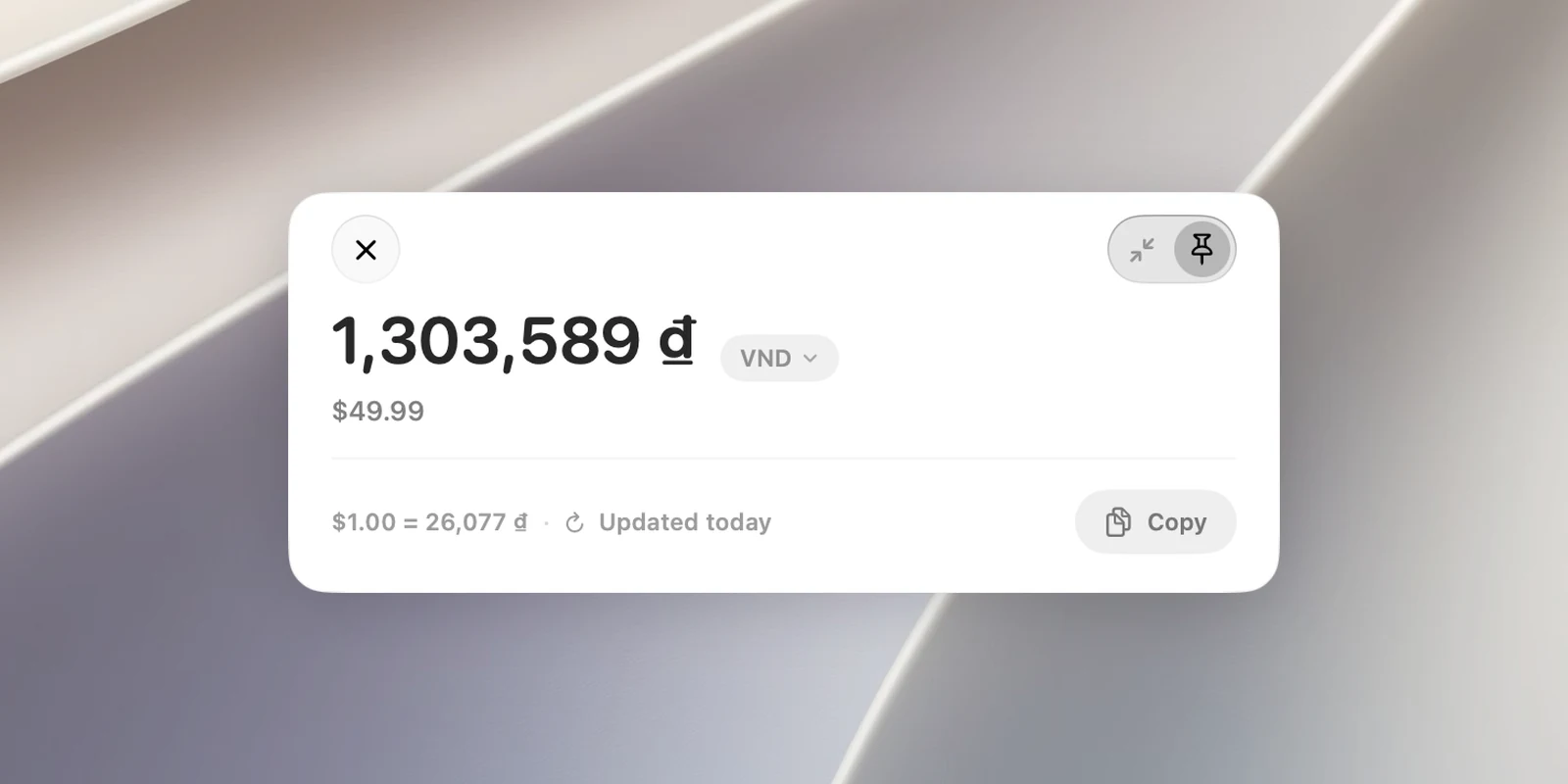
Select an amount with a currency symbol or code, such as $25, 1.500.000₫, 49 EUR or ¥3000. Foreign money is converted to the currency of your Mac's region; your local currency is converted to USD (or EUR if your local currency is USD).
- Click the Convert to menu to choose another currency. OneNotch remembers this choice for each source currency.
- The exchange rate line shows when it was updated (Updated today, Updated yesterday…). When you're offline, OneNotch uses the saved rate and turns this line orange.
Units
A number with a unit, such as 5 kg, 72°F, 180 cm, 2.5 GB or 16px, is converted to the other measurement system. This covers length, weight, temperature, volume, speed, area, data size and CSS units (px, pt, em, rem, with 1rem = 16px).
Time zones
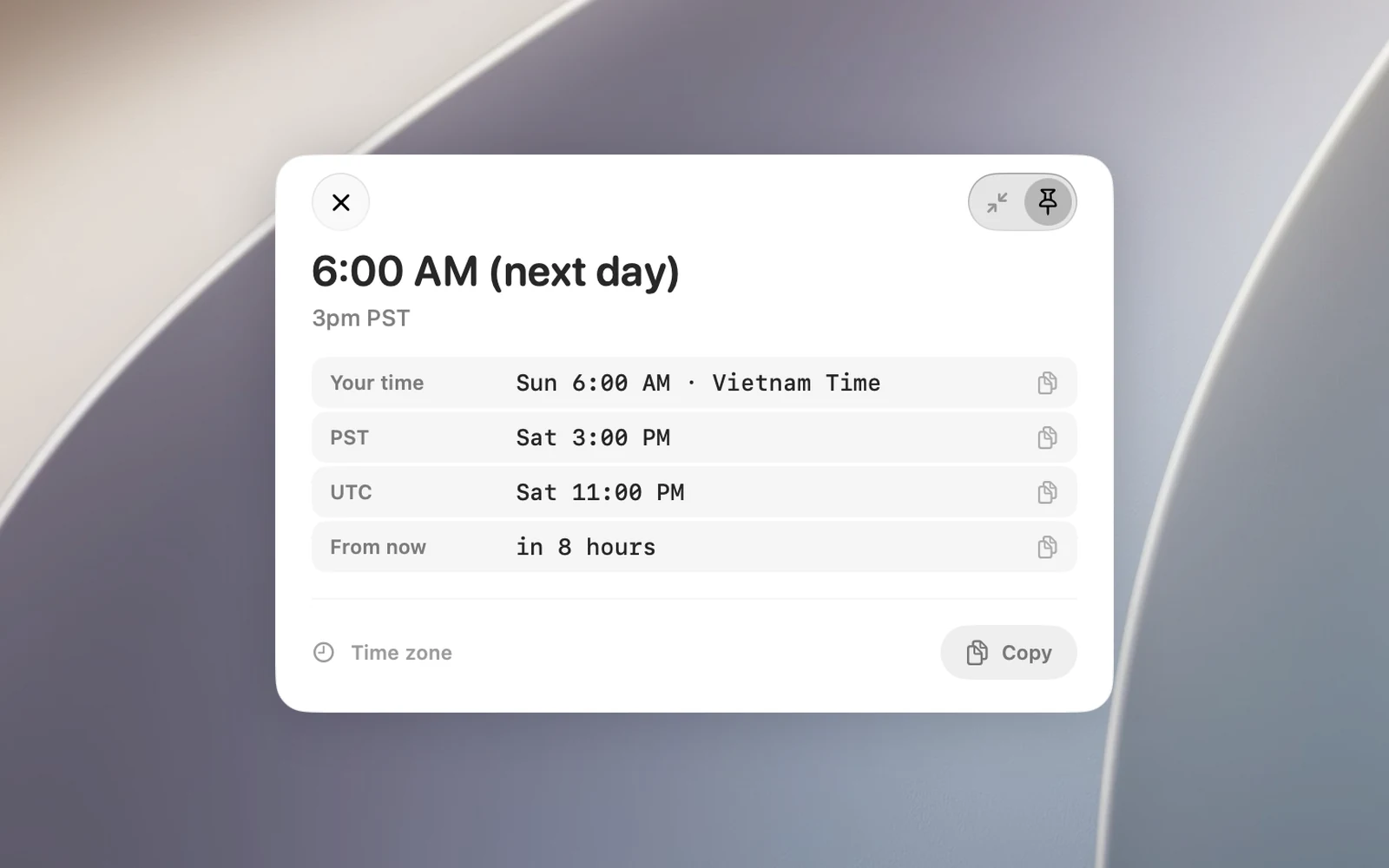
A time with a time zone or a city, such as 3pm PST, 15:00 UTC+7 or 9:30am London. The card shows the matching time where you are (and notes if it's the next or previous day), the UTC time and how long until then. A time without a time zone isn't recognized.
Calculations
Expressions like 12*3.5+8, (1200 - 300) / 3 or 200 + 10%. The card shows the full result and a rounded result.
Colors
#RGB, #RRGGBB, #RRGGBBAA, 0xRRGGBB, rgb(), hsl(). The card shows a color swatch and the HEX, RGB and HSL forms, plus Color(...) code for SwiftUI.
Timestamps
A 10-digit (seconds) or 13-digit (milliseconds) Unix timestamp, or an ISO 8601 string with a time zone. The card shows the local date and time, the relative time, the UTC time and the other form.
Clean links
Select a link and OneNotch removes tracking parameters such as utm_, fbclid, gclid, si and spm, with its own rules for X, YouTube, Spotify, Instagram, TikTok, Amazon, Shopee, Lazada, LinkedIn and Facebook. Click Copy to get the clean link or Open to open it in your browser.
Dates → Calendar
See "Add a selected date to Calendar".