
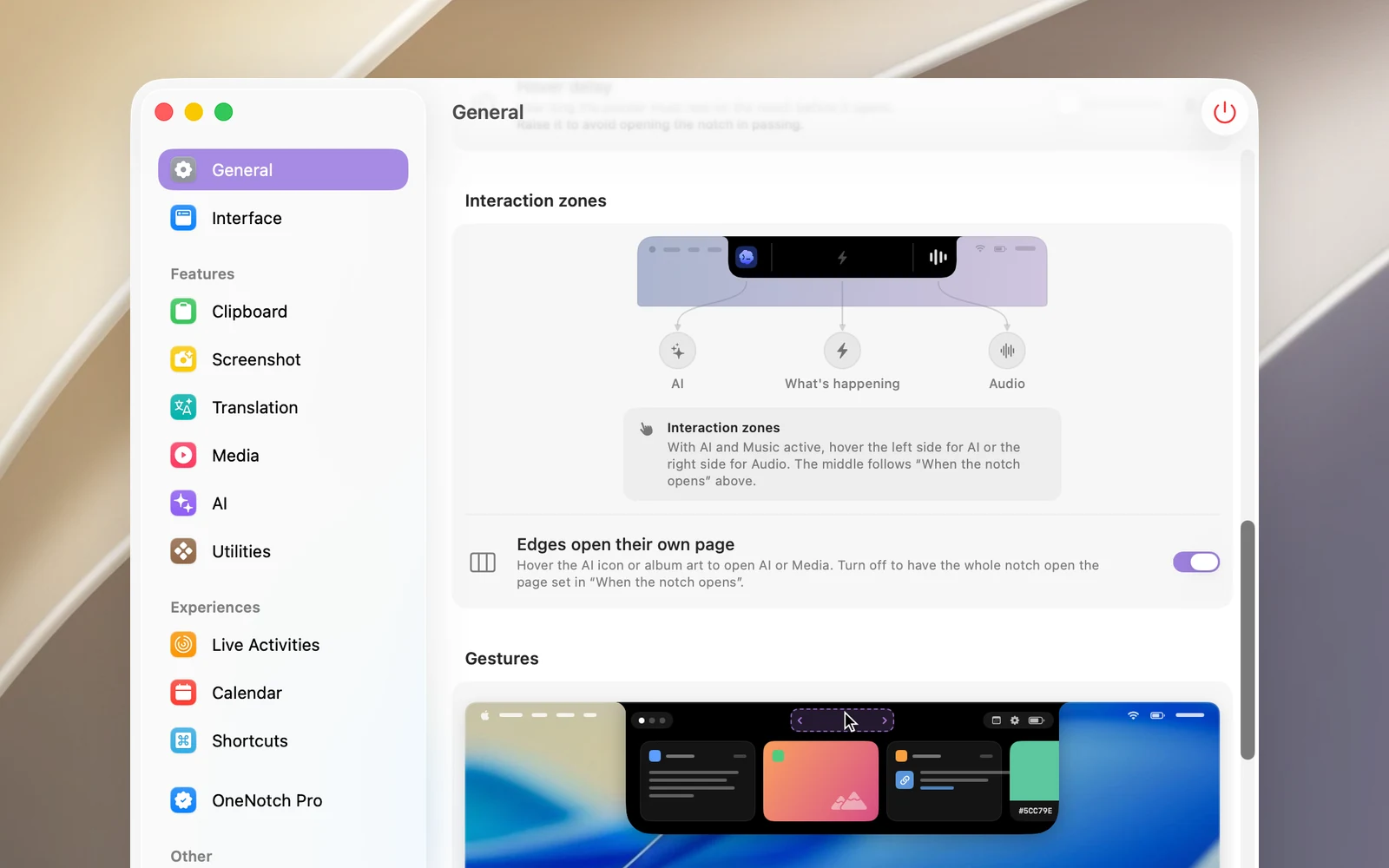
When the closed notch is showing something on either side (album art, a visualizer, an AI agent), each side is a separate zone:
- Left edge: the AI agent icon when an agent is running, otherwise the album art. Hover over it to open the AI page or the music page.
- Right edge: the visualizer, which opens the music page. Click it to play or pause.
- Middle: opens the page set in When the notch opens.
Turn it on or off
Settings › General › Interaction zones › Edges open their own page (on by default). When it's off, hovering or clicking anywhere on the notch, including on the icons, opens the page set in When the notch opens.
The preview in Settings lets you try hovering over each zone.