
Using another clipboard app? OneNotch reads the data of Paste, PastePal, PasteNow, Maccy and CopyClip directly, so you don't have to start from scratch. Nothing in your old app is changed.
Import
- Go to Settings › Clipboard › Backup, and on the Import from Other Apps row, click Import….
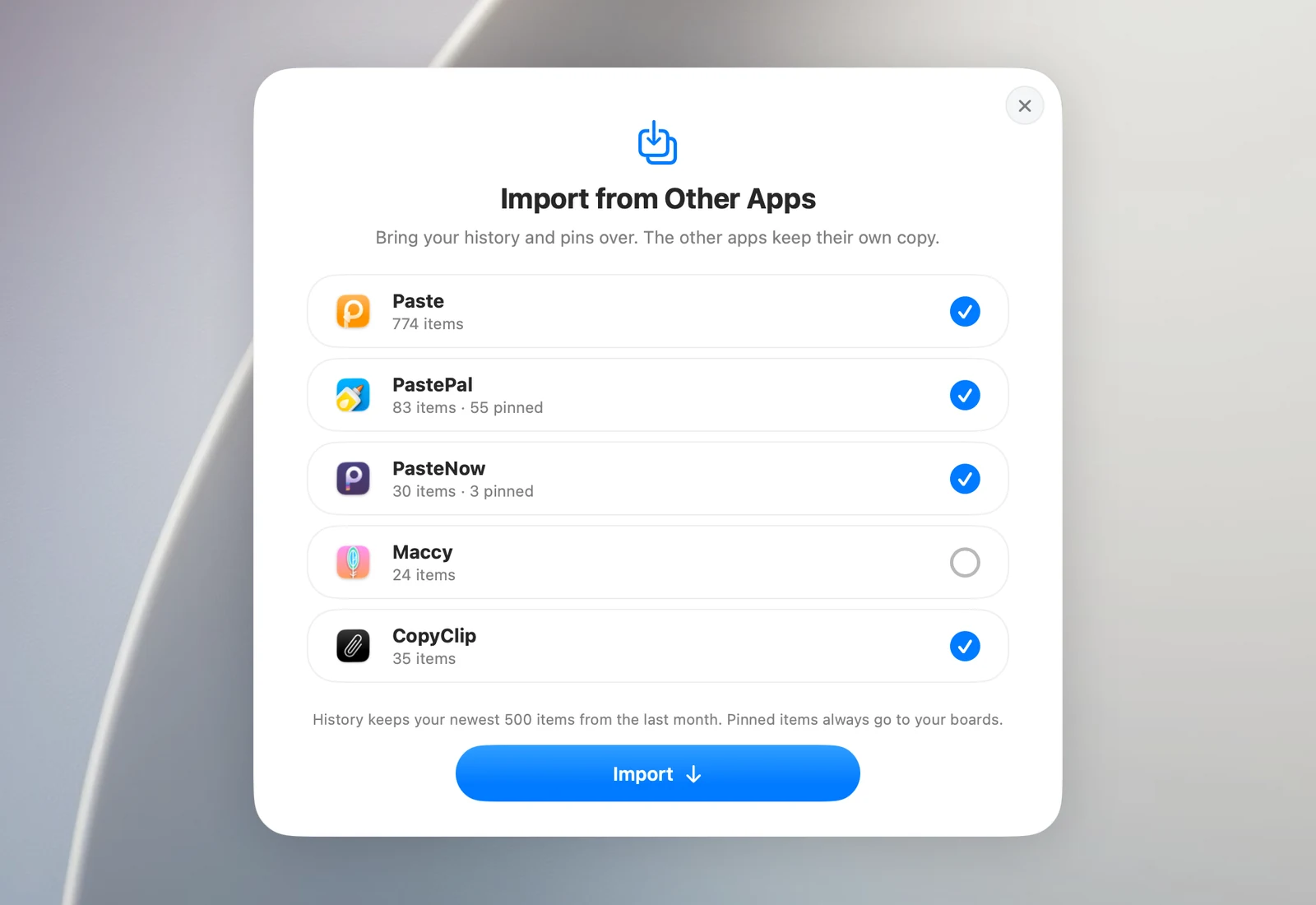
- OneNotch scans right away and lists each app it finds, with its number of items and pinned items. All of them are selected; deselect any app you don't want to import.
- Click Import and wait. While importing, you can click Cancel to stop.
- Read the summary, then click Done.
How your data is brought over
- Each item keeps the time it was copied and the app it came from.
- Pinned or favorite items go into the Pin board. Named lists or collections become boards with the same name.
- Content you already have in OneNotch is skipped.
- Items older than your current history setting aren't kept, unless they're pinned.
- If Ignore Sensitive Clipboard Content is on, items marked as private are skipped too.
When OneNotch can't read the data
If a row says OneNotch isn't allowed to read that app's data, give it Full Disk Access:
- Open System Settings › Privacy & Security › Full Disk Access.
- Turn on OneNotch (click + to add it if it isn't in the list).
- Go back to OneNotch. The import panel scans again on its own.
Good to know
Flycut and Raycast aren't supported yet.